Sheets with steps Front page designs
Report Front Page Design: Project Report, Seminar, Thesis and Presentation Title Pages
Report front page design layouts for project reports, seminars, internships, theses and presentations: clean borders, spacing in cm and the details to add.
- 8sheets
- 4facts per card: pattern, tools, skill, time
- 23 Novlast checked
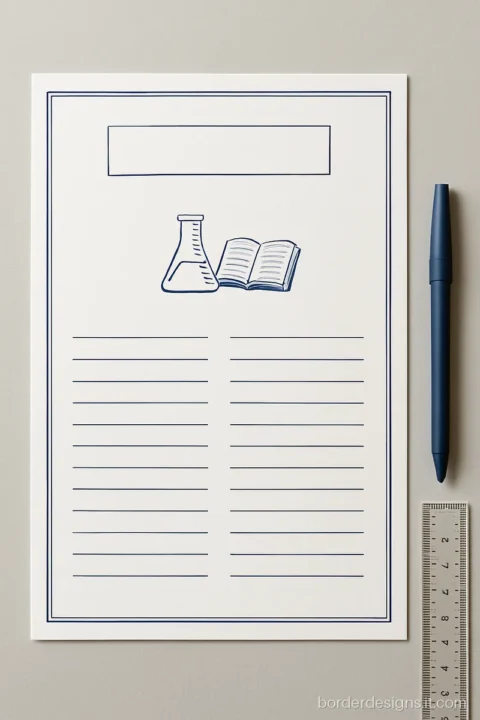
A report front page design should look calm and official: one clean border, centred blocks of text, plenty of white space and no cartoons. The reader, often an examiner or a guide, wants to find the title, your name and the institution in a few seconds, so layout beats decoration every time.
The eight layouts below cover school project reports, college reports, seminar and internship reports, a thesis or dissertation and a presentation title sheet. Spacing is given in centimetres on every card, next to the sheet, pens, difficulty and minutes needed. Most can be drawn by hand or set up in a word processor and printed.
If your report is for a school subject file rather than a formal submission, the main front page design page has friendlier layouts.
All 8 sheets at a glance
| No. | Sheet | Skill | Time |
|---|---|---|---|
| 01 | Thin frame, centred blocks | Easy, class 9 plus | 20 minutes |
| 02 | Crest circle, double rules | Medium, college level | 30 minutes |
| 03 | Gold rules, maroon cover | College level | 1 hour |
| 04 | Two fine rules, centred | College level | 40 minutes |
| 05 | Teal corner brackets | Easy | 20 minutes |
| 06 | Left colour bar | Easy | 25 minutes |
| 07 | Header band, footer line | Easy | 20 minutes |
| 08 | Geometric corner triangles | Easy | 15 minutes |
01Project Report Front Page Design for School and College
Two project report cover page layouts: a light one for class 9 to 12 and a stricter one for diploma and degree reports.
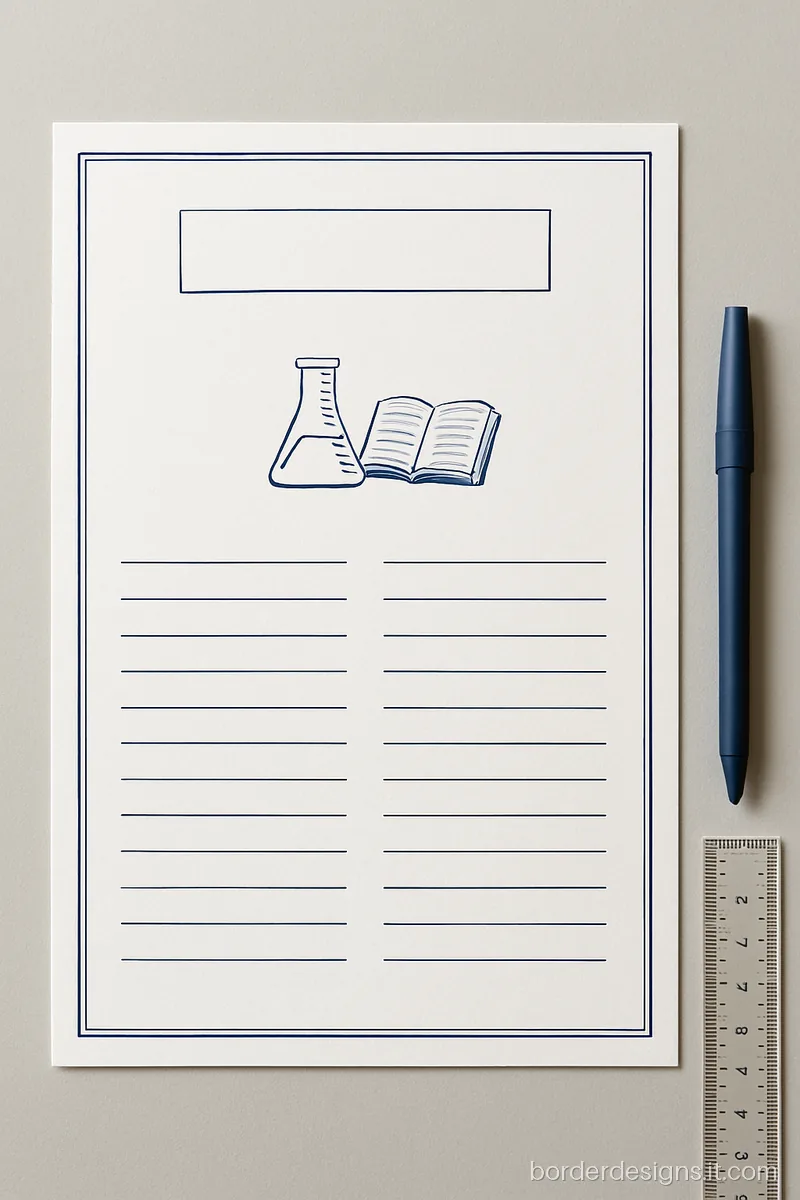
Thin frame, centred blocks
Navy fineliner, 30 cm ruler
- SkillEasy, class 9 plus
- Time20 minutes
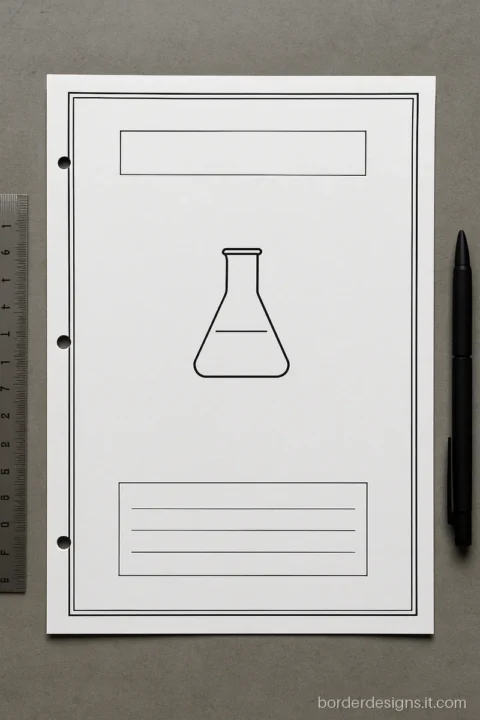
A single navy frame, a small subject drawing and centred blocks for the details. It looks serious but still belongs to a school report.
How to draw it: 4 steps
- A 0.5 mm navy pen draws the frame, set one and a half centimetres inside.
- Centre the title block 5 cm below the top frame line.
- Keep the subject drawing small, no wider than 6 cm.
- Split the bottom into two columns: guide on the left, student on the right.
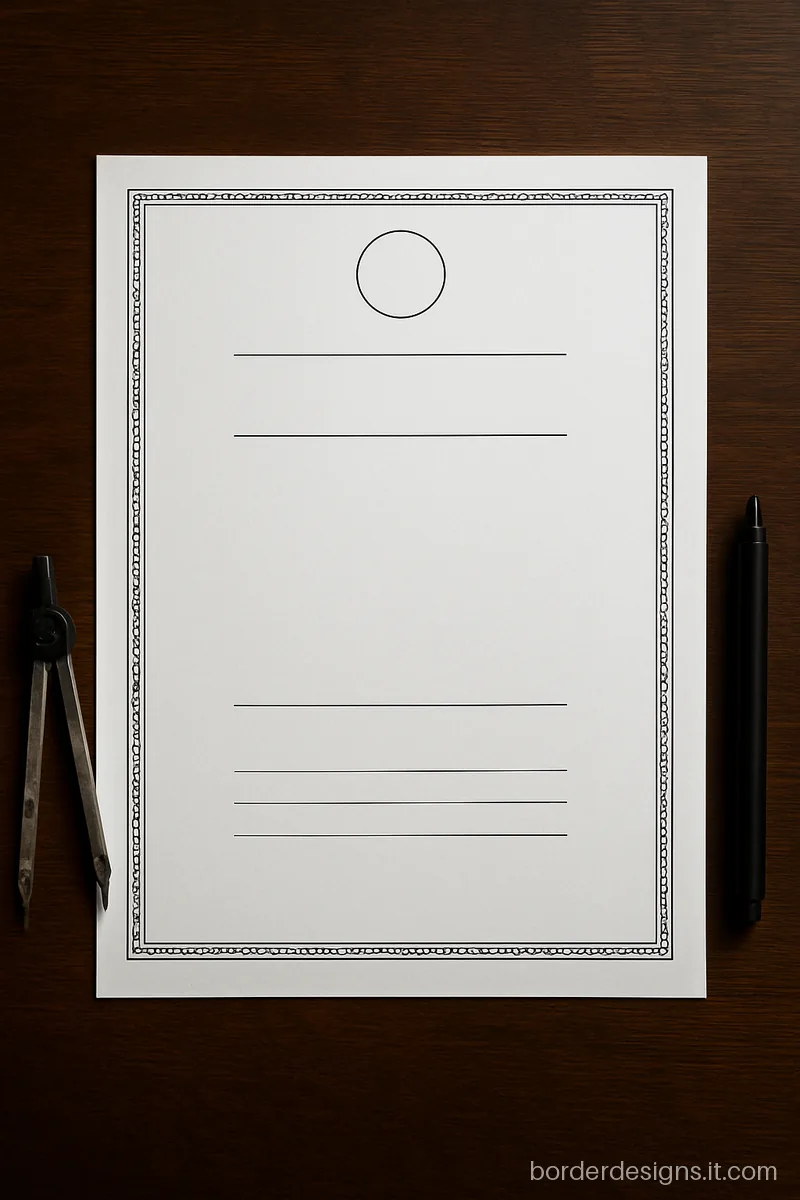
Crest circle, double rules
Black fineliner, compass
- SkillMedium, college level
- Time30 minutes
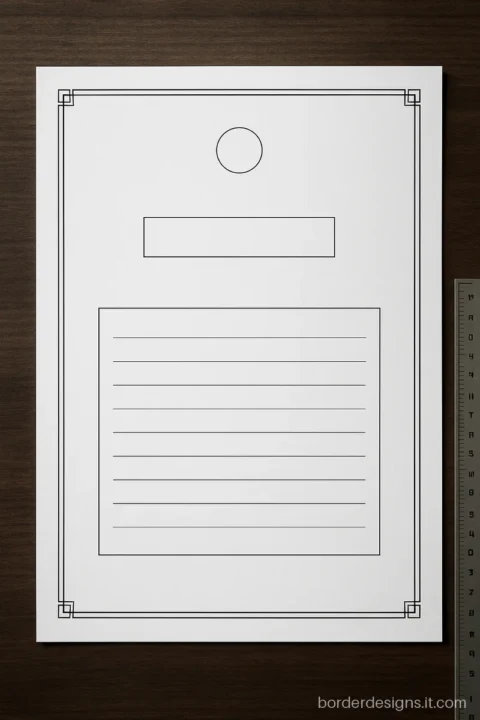
Double rules above and below a round space for the institution crest, with every block centred. This is the plan most college departments use.
How to draw it: 4 steps
- Leave a 4 cm circle 3 cm below the top edge for the printed crest.
- Draw a double rule, 3 mm apart, under the circle and above the footer.
- Keep every block centred on one light vertical guide line.
- Leave a wider 3 cm margin on the left if the report will be bound.
02Thesis Front Page Design and Dissertation Front Page Design
A thesis or dissertation has two faces: the hardbound outer cover and the inner title page. Both must follow your university format, so treat these as a guide to spacing.
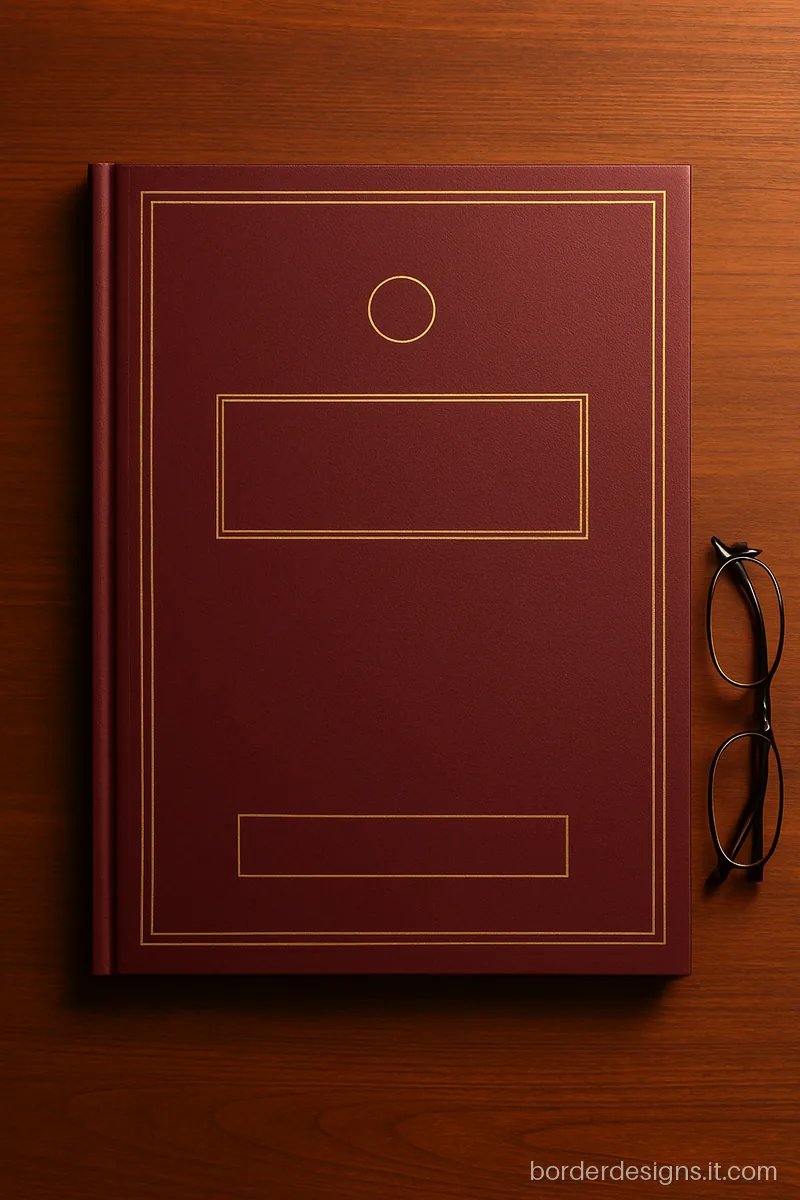
Gold rules, maroon cover
Bound cover, gold foil print
- SkillCollege level
- Time1 hour
Gold rules on a deep maroon hardbound cover give the classic thesis look. Binding shops usually print the lettering; your job is to supply the exact layout.
How to draw it: 4 steps
- Ask the binder for gold foil on maroon, navy or black.
- Place the title block about one third down the cover.
- Keep gold rules 1.5 cm from the edge and 2 mm thick at most.
- Check the spine width so the title fits along it.
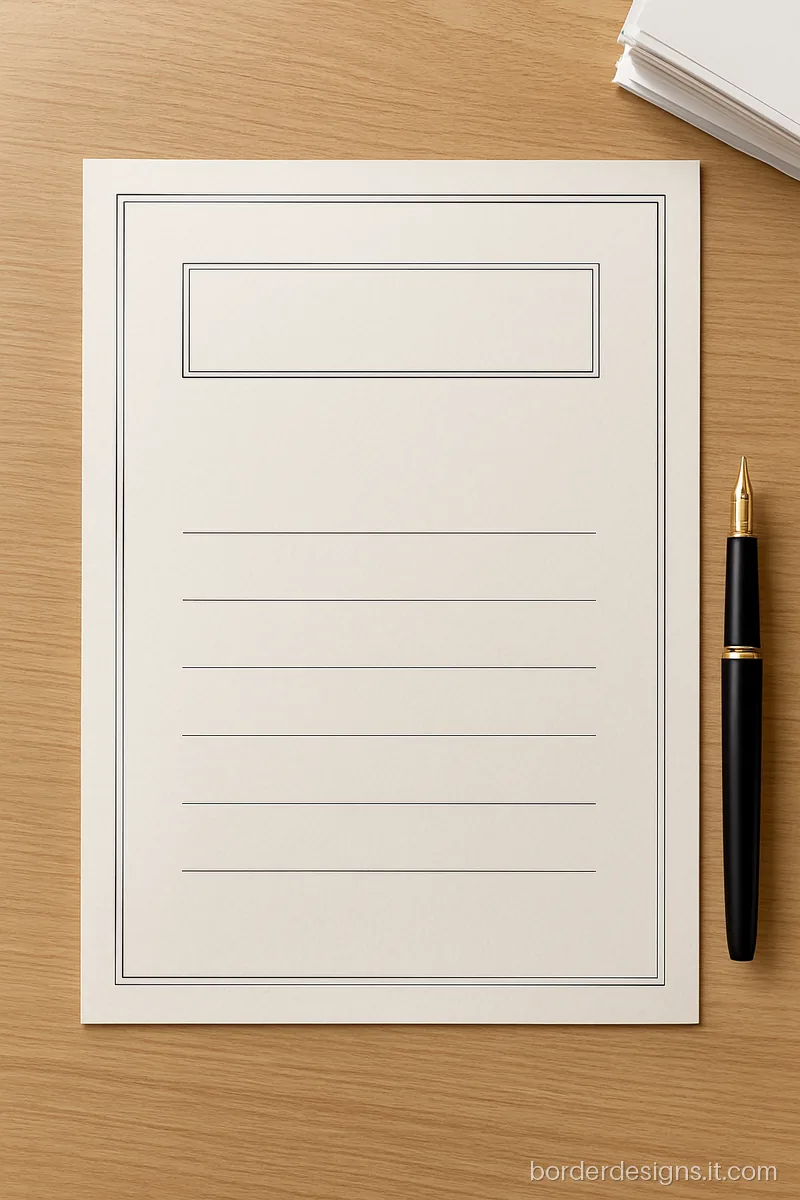
Two fine rules, centred
Printed ivory sheet, ruler
- SkillCollege level
- Time40 minutes
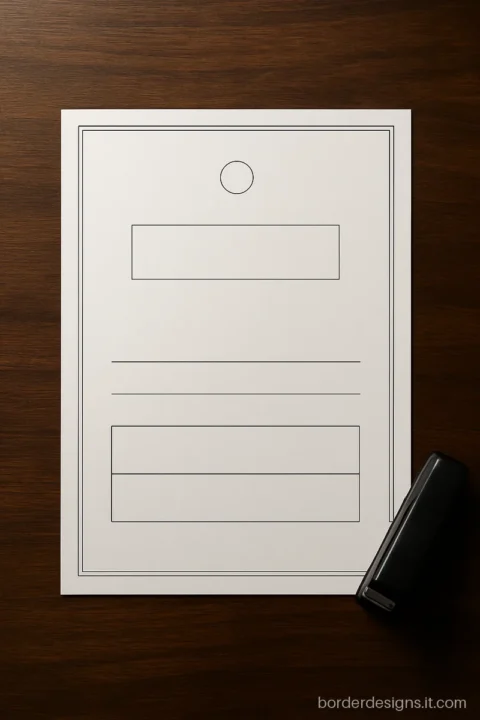
The inner title page is plain ivory with two fine rules framing the title and centred lines for the degree, department and session. Elegant because it is so restrained.
How to draw it: 4 steps
- Use a 90 to 100 gsm ivory sheet for the printed title page.
- Put one fine rule above the title and one below, each 12 cm long.
- Space the degree, department and guide lines 1.5 cm apart.
- Set the binding side margin as your university guide asks.
03Seminar Report Front Page Design and Internship Reports
A seminar front page design can carry a little colour, since the report is shorter and often presented in class. These two add one accent each.
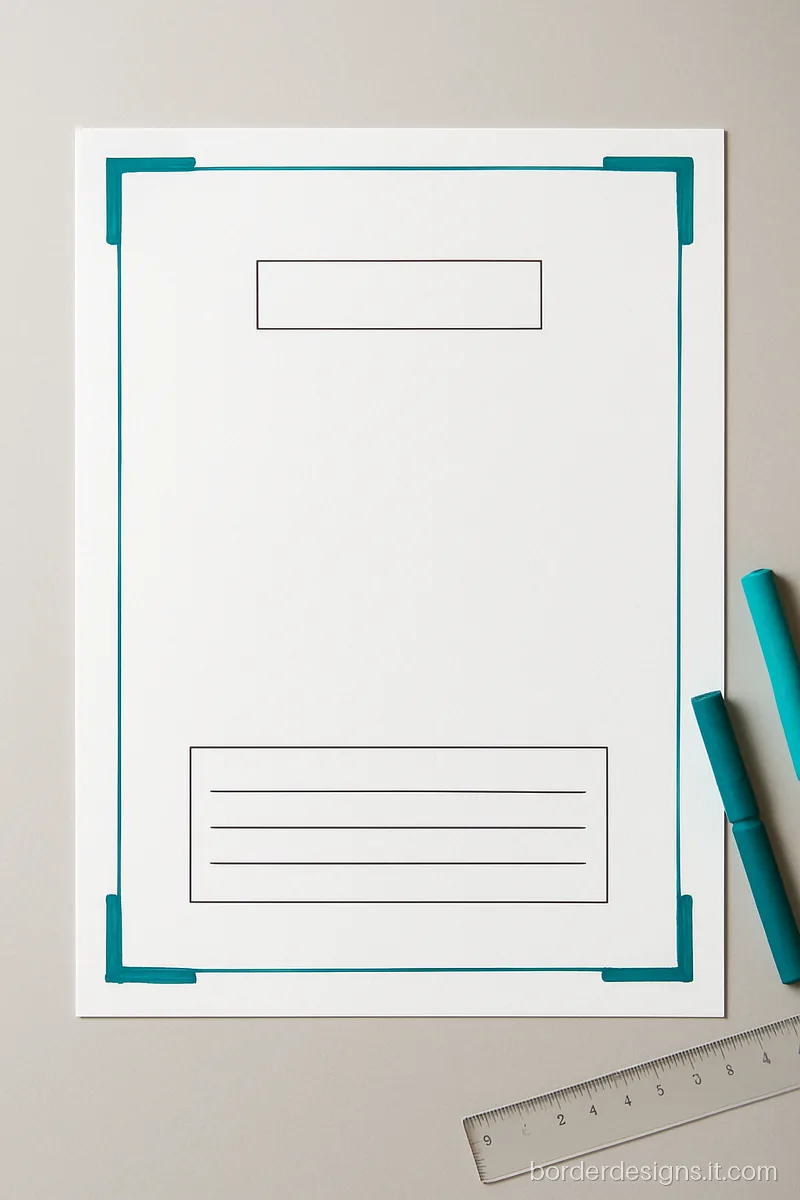
Teal corner brackets
Teal markers, ruler
- SkillEasy
- Time20 minutes
Thick L shaped brackets in two shades of teal mark the corners, leaving the sides open. It feels modern and still formal enough for a seminar report.
How to draw it: 4 steps
- Make each bracket arm 4 cm long and 4 mm thick.
- Place brackets 1.2 cm from both edges at every corner.
- Use dark teal on the top left and bottom right, light on the others.
- Centre the seminar title 7 cm below the top bracket.

Left colour bar
Slate blue paper, glue stick
- SkillEasy
- Time25 minutes
One slate blue strip glued on the left, with text blocks starting beside it, gives a clean office style cover for an internship or training report.
How to draw it: 4 steps
- Cut the bar 4 cm wide and the full 29.7 cm tall.
- Glue it flush with the left edge, smoothing from top to bottom.
- Start every text block 2 cm to the right of the bar.
- Add one thin grey rule under the title, 10 cm long.
04Presentation Front Page Design and Presentation Border Design
A printed presentation handout or file needs a title sheet that matches the slides. A thin border repeated on every page keeps the set together.
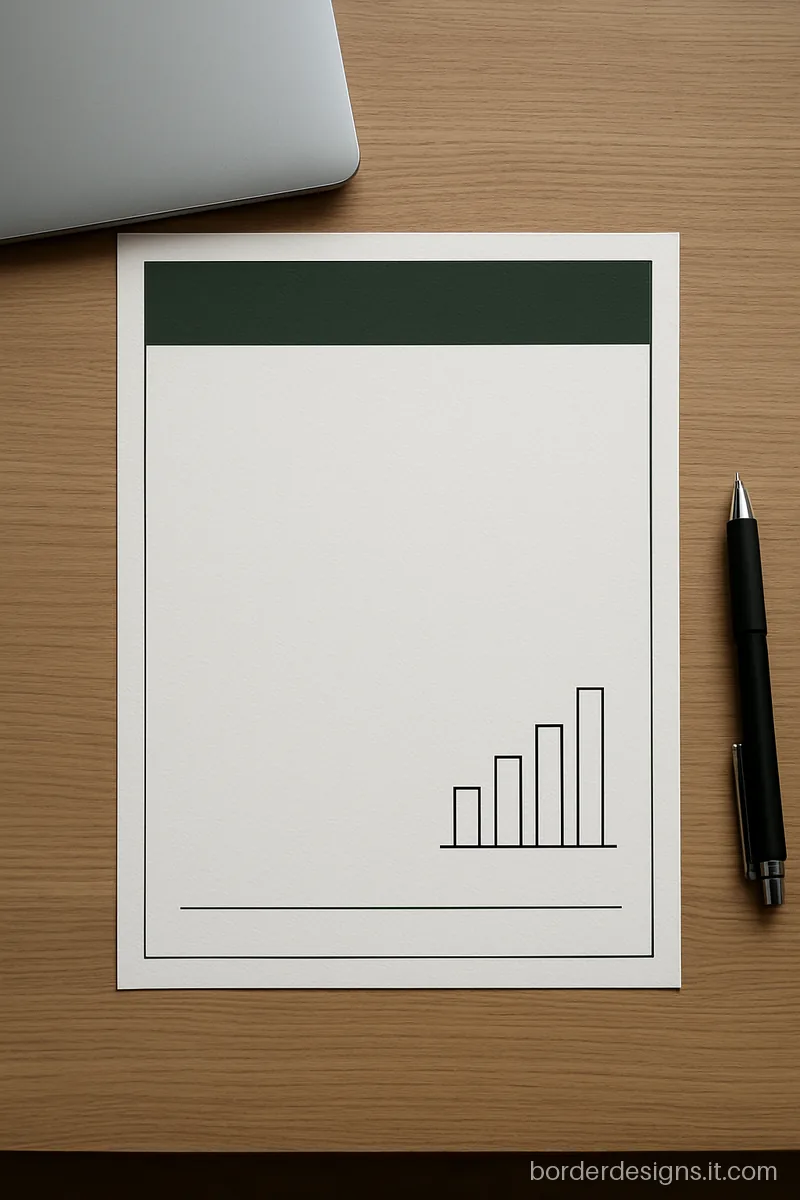
Header band, footer line
Printed A4 landscape sheet
- SkillEasy
- Time20 minutes
A landscape sheet with a coloured band across the top and a thin footer line copies the look of a title slide. Print the slides behind it at the same width.
How to draw it: 4 steps
- Turn the A4 sheet sideways so it matches the slide shape.
- Make the header band 5 cm tall in the main slide colour.
- Put the footer line 1.5 cm above the bottom edge.
- Leave the right third empty for a small chart or picture.
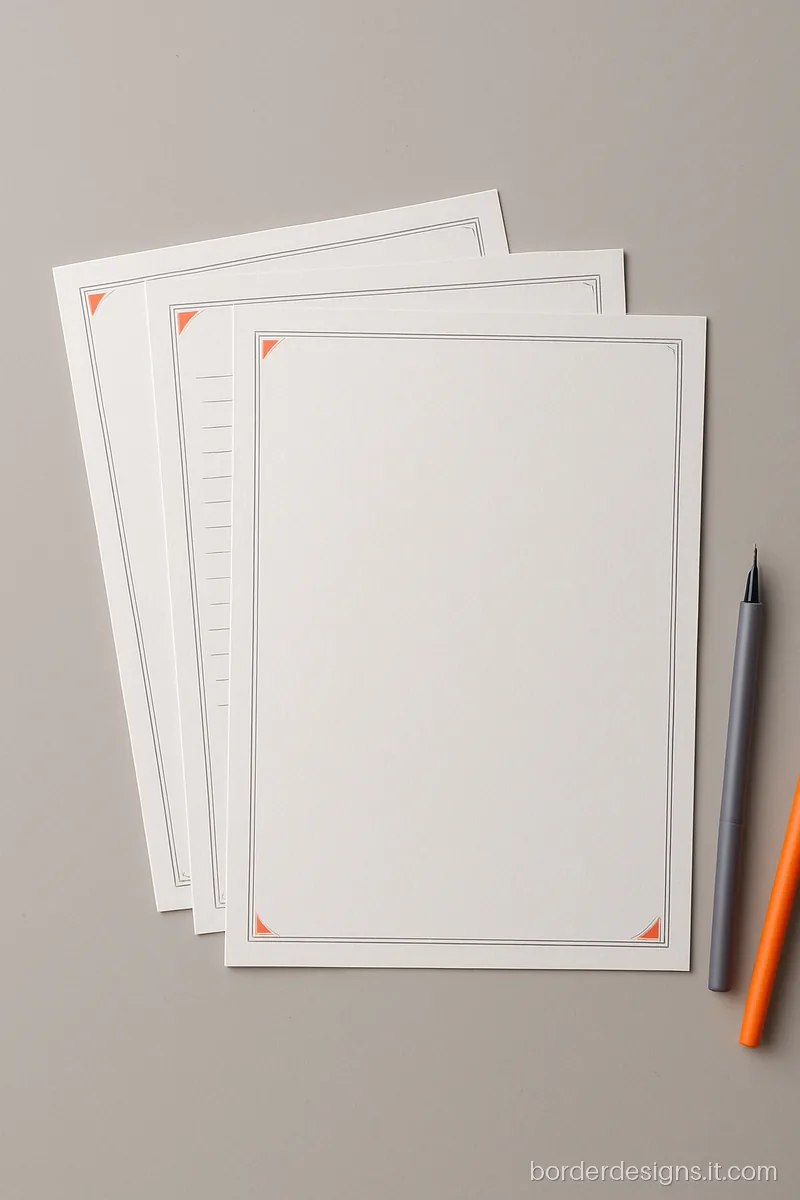
Geometric corner triangles
Grey and orange fineliners
- SkillEasy
- Time15 minutes
Small triangles at two corners and a hairline frame repeat on the cover and inside pages. It holds a presentation file together without distracting from the content.
How to draw it: 4 steps
- Draw a hairline frame 1 cm in with a 0.3 mm grey pen.
- Fill a 2 cm triangle in orange at the top left and bottom right.
- Use exactly the same corners on the cover and every inside page.
- Keep the frame light so charts and tables stay the focus.
What Goes on a Report Title Page
| Detail | School project report | College or seminar report | Thesis or dissertation |
|---|---|---|---|
| Title of the report | Yes | Yes | Yes, full title |
| Subject or course | Subject | Course and semester | Degree name |
| Your details | Name, class, section, roll number | Name, enrolment or registration number | Name, enrolment number |
| Guide or teacher | Submitted to | Guide or faculty name | Supervisor and co supervisor |
| Institution | School name | College and department | Department, faculty and university |
| Session | Session | Session or term | Month and session of submission |
| Crest | Optional | Often required | Usually required |
Many universities give a fixed format. If yours does, follow it exactly, even if a layout here looks nicer. For an open university project, see the open university project cover page guide.
Spacing a Formal Report Front Page on A4
Formal pages look right when every block sits on the same centre line and the gaps are steady. Use these as starting points.
| Element | Position from top | Size |
|---|---|---|
| Border or frame | 1 to 1.5 cm in | Hairline to 1 mm |
| Crest or blank circle | 3 cm | 3 to 4 cm wide |
| Title block | 8 to 10 cm | Two lines at most |
| Submitted by and to | 18 to 21 cm | Two columns or one centred block |
| Institution and session | 24 to 26 cm | One or two centred lines |
Typed in a word processor, a title of 18 to 24 point and details of 12 to 14 point read well. Choose actual size, never shrink to fit, when printing, and leave extra room on the left if the report will be spiral or hard bound.
Making It by Hand or on Screen
- Decide hand or print. School reports can be hand drawn; college and thesis covers are almost always printed.
- Write every detail out first. Check spellings of your guide's name and department with the office.
- Set the frame. By hand, rule it 1.5 cm in with a 0.5 mm pen. On screen, use the page border option and set the same margin.
- Centre the blocks. Draw a light vertical line down the middle or use centre alignment.
- Add one accent only. A colour bar, corner brackets or gold rules, never all three.
- Proof on plain paper. Print a test copy, check spacing with a ruler, then print the final on thicker paper.
College students can also see college assignment front pages and practical file front pages for matching inside covers.
Questions students ask
What should a project report front page design include?
The report title, subject or course, your name and roll or enrolment number, class or semester, the teacher or guide, the institution and the session. College reports often add the crest of the institution at the top.
Can a report front page have a border?
Yes, a single thin line or a simple double rule set roughly a centimetre inside the trim works well. Avoid flowers and cartoons on formal reports; corner brackets or a side bar are the most decoration you need.
What is the difference between a thesis front page design and the cover?
The cover is the hardbound outside, usually printed in gold on a dark colour. The front or title page is the first inside sheet, printed in black on white or ivory with more details. Both follow your university format.
How do I make a seminar report front page design look professional?
Centre every block on one line, use one accent colour, keep the title to two lines and leave generous white space. Check every name and number against official records before printing.
What is a good presentation border design for a printed file?
A hairline frame with a small coloured corner shape, repeated on every page. It ties the set together and keeps attention on the charts and text.
Try these next


More in Front page designs
 Assignment front page design12 sheets with steps
 Handmade school project front pages12 sheets with steps
 Border front pages12 sheets with steps
 Creative assignment front pages12 sheets with steps
 Aesthetic project cover page12 sheets with steps
 Cover page design for project12 sheets with steps
 Holiday homework front page design10 sheets with steps
 Notebook front page design10 sheets with steps