Sheets with steps Front page designs
IGNOU Project Cover Page: What It Contains and How to Lay It Out
IGNOU project cover page explained: the details it usually carries, a clean layout in cm, and 6 plain bordered samples for project work and assignments.
- 6sheets
- 4facts per card: pattern, tools, skill, time
- 23 Novlast checked
An IGNOU project cover page is a formal page, not a decorated one. Its purpose is to let the evaluator see at once whose project it is, for which programme and course, and under which guide, so the layout should be plain, balanced and easy to read.
Always follow the latest project guide of your own programme, and check the official IGNOU website, which is the only official source for formats and rules. This site is not affiliated with IGNOU; this is an independent explanation. The 6 samples below show clean bordered sheets with blank boxes you can adapt to whatever your guide asks for. For other college covers, see college assignment front page designs.
All 6 sheets at a glance
01IGNOU Project Cover Page Layouts
Both of these use a single frame and centred blocks. They print well and suit any programme.
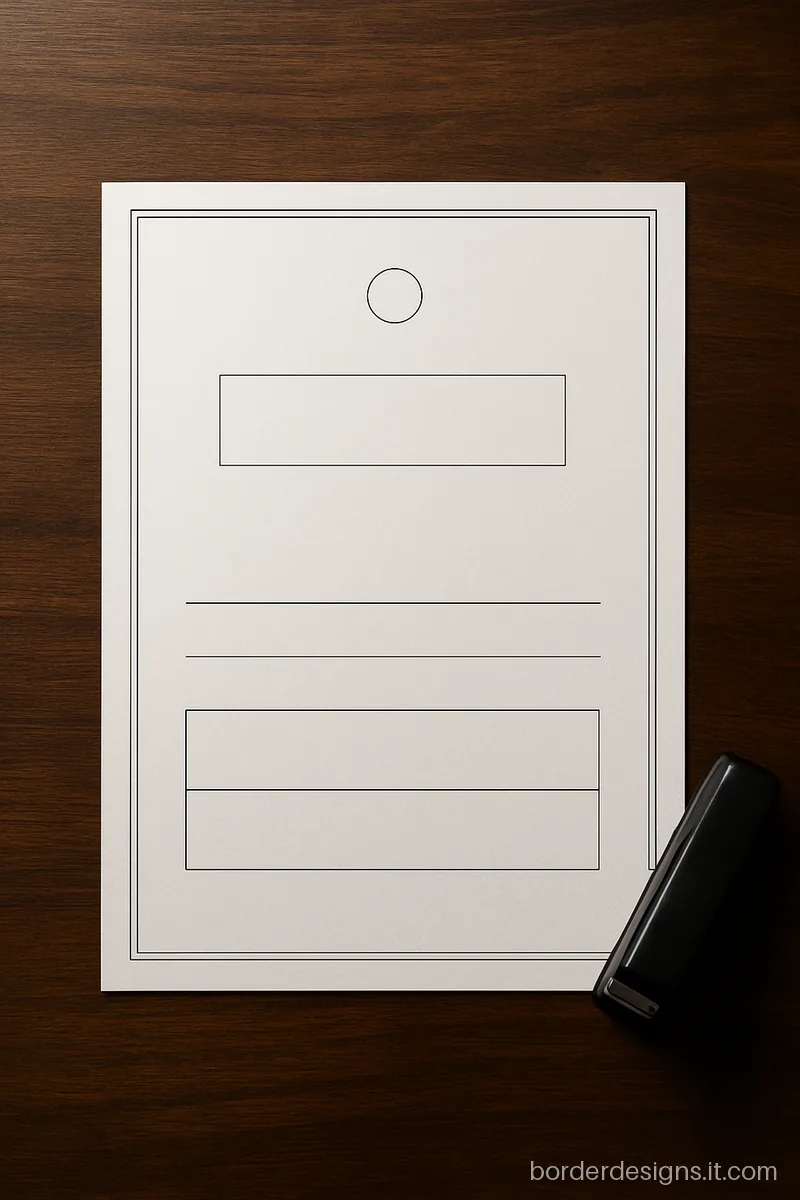
Single frame, centred
Word processor or black pen
- SkillVery easy
- Time20 minutes
One thin black frame and every block centred down the page: the safest choice when your guide gives no layout of its own.
How to draw it: 4 steps
- Keep the frame 1.5 cm in so a home printer does not cut it off.
- Leave a blank circle near the top only if your guide asks for the emblem.
- Put the project title in the largest size, roughly a third of the way down.
- Keep student and guide details in two separate blocks lower down.

Navy double line border
Navy pen, ruler, A4 sheet
- SkillVery easy
- Time25 minutes
A navy double line border looks a little more finished while staying formal. Good for management, commerce and social work projects.
How to draw it: 4 steps
- Rule the outer navy line 1.2 cm in and the inner one 4 mm inside it.
- Make the title box 16 cm wide and about 4 cm tall.
- Use only navy and black; no fills, no motifs.
- Print or draw on 80 to 100 gsm paper so ink does not show through.
02IGNOU Project Work Cover Page With a Simple Border
If you want slightly more than a plain frame, keep the extra to the corners or a thin band. Nothing should compete with the details.
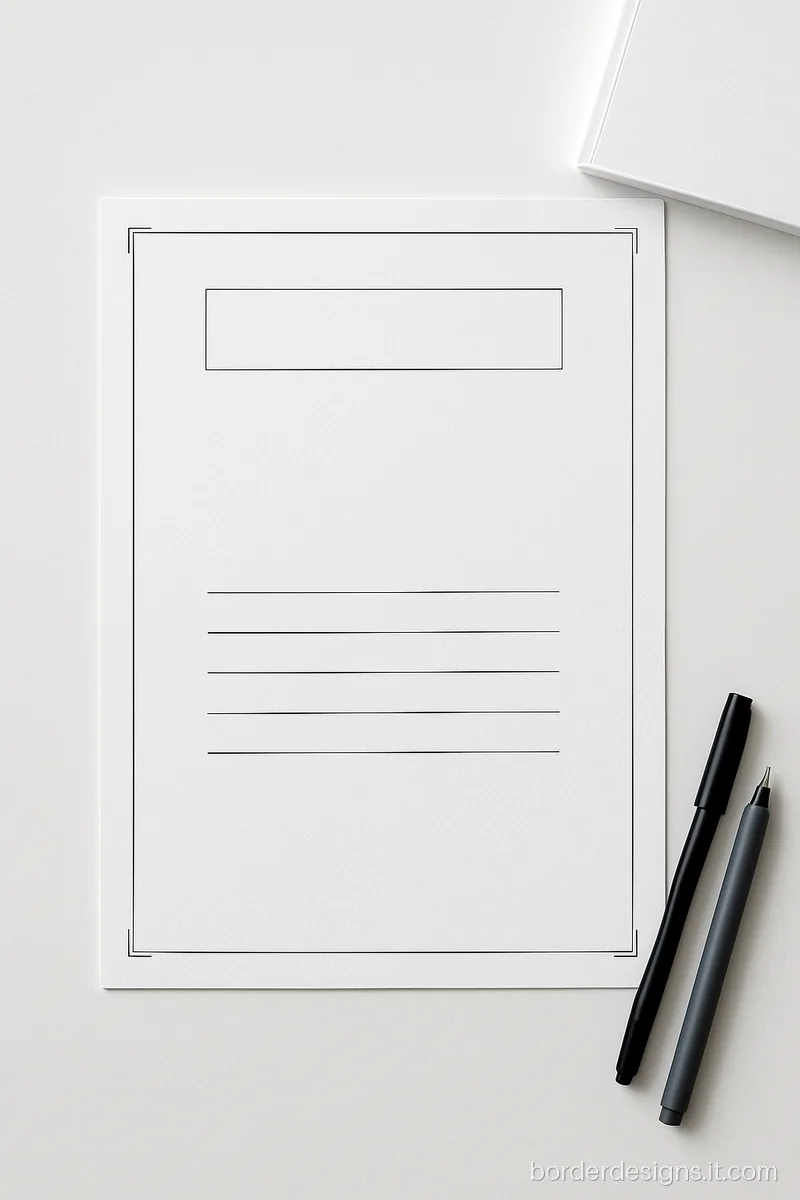
Grey corner brackets
Grey fineliner or printer
- SkillVery easy
- Time15 minutes
Small L shaped brackets at the corners instead of a full frame give a modern, uncluttered page. Works well when the cover is typed and printed.
How to draw it: 4 steps
- Make each bracket arm 3 cm long, 1.5 cm from both edges.
- Use a mid grey so the brackets stay in the background.
- Centre every block on the page's middle line.
- Leave equal space above the title and below the last block.
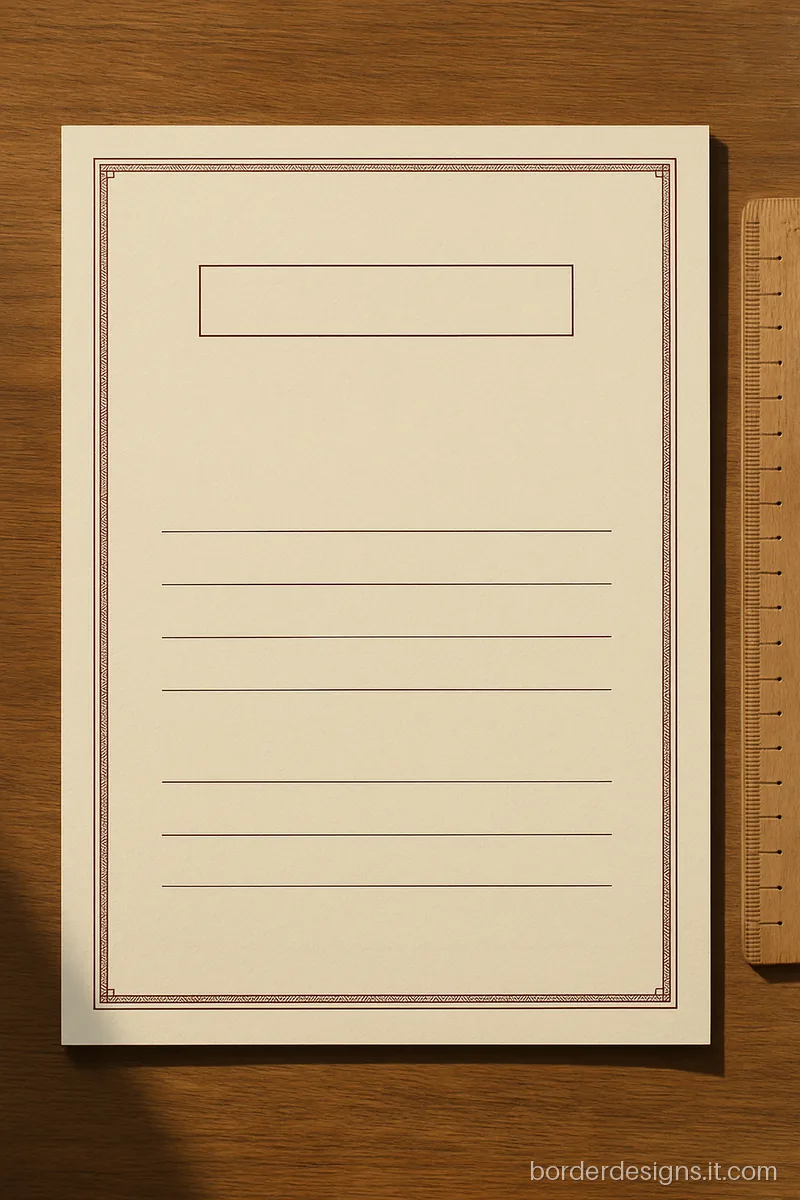
Thin top band
Maroon sketch pen, black pen
- SkillVery easy
- Time15 minutes
One thin maroon band across the top and nothing else lifts the page a little. Keep the band narrow so it reads as a rule, not a decoration.
How to draw it: 4 steps
- Rule the band 1 cm tall, 2 cm below the top edge.
- Start the first block 3 cm below the band.
- Repeat the band as a thin line 2 cm above the bottom edge.
- Keep handwriting in black only for a formal finish.
03Assignment Front Page Design for IGNOU Submissions
Assignments are shorter than projects, but the first page still needs your details in a clear block. Check the assignment booklet of your programme for the exact list.
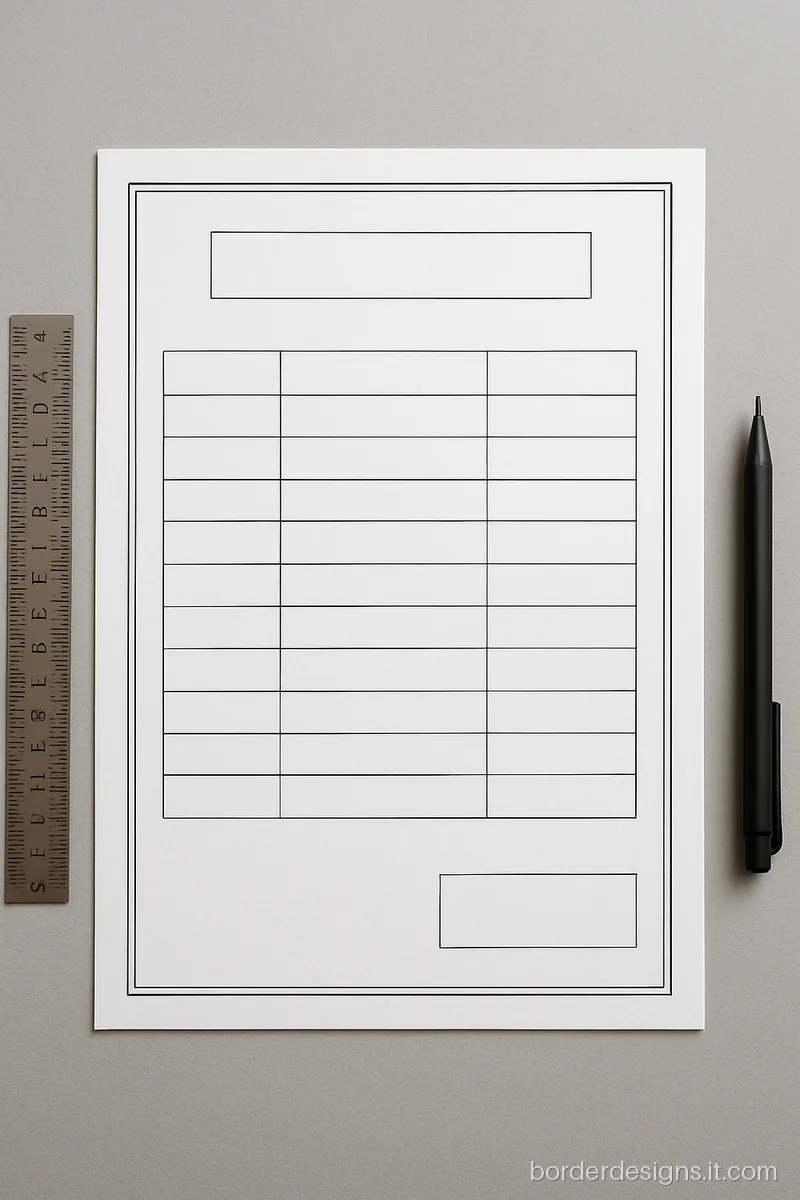
Ruled details grid
Black pen, 30 cm ruler
- SkillVery easy
- Time15 minutes
A ruled grid with one empty row per detail keeps everything lined up and easy for the evaluator to check. Quick to draw on every assignment.
How to draw it: 4 steps
- Rule a grid two columns wide, with rows 1.2 cm tall.
- Make the left column 6 cm for the heading of each row.
- Draw the grid in the middle third, below a blank title box.
- Keep the same grid for every assignment so they match.

Ruled sheet, double margin
Ruled A4 sheet, blue pen
- SkillVery easy
- Time10 minutes
For handwritten assignments on ruled sheets, a simple double margin and empty lines for each detail are enough. Neat and fast.
How to draw it: 4 steps
- Rule a second margin line 3 mm inside the printed one.
- Leave the first five lines for the title and course.
- Write one detail per line, all starting at the margin.
- Use the same blue or black pen as the answers inside.
What an IGNOU Project Cover Page Usually Contains
The exact list and order come from your programme's project guide, which can change, so treat this table as a checklist to compare against, not as the official format.
| Item | Where it usually sits |
|---|---|
| Project title | Upper third, largest text |
| Programme name and course code | Below the title |
| Statement that the project is submitted for the programme | Middle, in a smaller size |
| Student name and enrolment number | Submitted by block |
| Guide or supervisor name and designation | Under the guidance of block |
| Study centre and its code | Lower third |
| Regional centre | Lower third |
| University name and session or month of submission | Bottom |
The cover page is usually followed by pages such as a certificate from the guide, a declaration by the student, an acknowledgement and contents. Your guide lists which ones you need.
How to Prepare the Cover Page Step by Step
- Download or open the current project guide of your programme from the official site and find the cover page and title page section.
- Note every item it asks for and the order. If it gives a sample, copy that layout exactly.
- Type the page in a word processor on A4, with margins of about 2.5 cm, or draw a frame 1.5 cm in if writing by hand.
- Use one plain font in two or three sizes. Put the title in the largest size.
- Check spellings of your name, the enrolment number and the course code against your identity card or admission papers.
- Print at actual size, not fit to page, and check the frame is even on all four sides.
- If you need a digital copy, save the typed page as a PDF from the word processor so the layout does not shift.
Common Mistakes on Formal Cover Pages
| Mistake | Fix |
|---|---|
| Decorative borders, clip art or colour fills | Use one thin frame or none at all |
| Enrolment number written wrongly | Copy it digit by digit from your identity card |
| Using an old format from a senior's file | Download the latest project guide of your programme |
| Title split awkwardly over three lines | Shorten the line width or reduce the font one step |
| Frame cut off when printed | Keep it at least 1 cm inside the paper edge |
Want a formal cover for a different college or report? See report front page designs and the front page design hub.
Questions students ask
What details go on an IGNOU project cover page?
Usually the project title, programme and course code, your name and enrolment number, the guide's name and designation, the study centre and regional centre, and the session. Confirm the exact list in your programme's latest project guide.
Is there an official IGNOU project work cover page format?
Each programme's project guide gives its own format and sometimes a sample page. Use that guide and the official website as the only source. This page only explains common layouts.
Can I decorate an IGNOU project cover page?
Keep it plain. One thin frame, corner brackets or a narrow band is the most you should add. The evaluator needs to find your details quickly, and heavy decoration gets in the way.
How should I lay out an assignment front page design for IGNOU?
A plain sheet with a blank title area and a ruled grid of one row per detail, such as name, enrolment number, course code, assignment code and study centre. Follow the list in your assignment booklet.
Should the cover page be typed or handwritten?
Check your project guide first. If it allows both, a typed cover looks neater and is easier to correct, while handwritten assignments can have a neat handwritten first page on a ruled sheet.
Try these next


More in Front page designs
 Assignment front page design12 sheets with steps
 Handmade school project front pages12 sheets with steps
 Border front pages12 sheets with steps
 Creative assignment front pages12 sheets with steps
 Aesthetic project cover page12 sheets with steps
 Holiday homework front page design10 sheets with steps
 Notebook front page design10 sheets with steps
 Flower front page design8 sheets with steps