Sheets with steps Maths, computer and more
Business Studies Project Cover Page and Commerce Front Page Designs
Business studies project cover page ideas, plus economics, accountancy and commerce front pages for class 11 and 12, with layouts, pens, time and tips.
- 8sheets
- 4facts per card: pattern, tools, skill, time
- 23 Novlast checked

A business studies project cover page should look like the first page of a company report: clean, organised and confident. Commerce teachers in class 11 and 12 often value a sharp layout over a busy drawing, so every design here keeps decoration to one strong motif and lets the details box do its job.
You will find covers for business studies, economics, accountancy and business law, each with its layout, pens, level and time. The pictures leave the title and details areas empty; the topic, your class, roll number and the teacher who will mark it are yours to fill in.
For the standard order of details on any cover, see the maths and other subject front pages. If you also have an IT or computer file, the computer project covers use the same calm style.
All 8 sheets at a glance
| No. | Sheet | Skill | Time |
|---|---|---|---|
| 01 | Rising bars and briefcase | Easy, class 11 plus | 50 minutes |
| 02 | Striped shop awning | Easy, class 9 plus | 40 minutes |
| 03 | Demand and supply curves | Easy, class 11 plus | 40 minutes |
| 04 | Paper coin stacks, scale | Medium, class 9 plus | 1 hour |
| 05 | Ledger column sides | Easy, class 11 plus | 35 minutes |
| 06 | Calculator and pie chart | Medium, class 10 plus | 50 minutes |
| 07 | Scale, gavel, double frame | Medium, college level | 45 minutes |
| 08 | Cargo ship, wave base | Medium, class 9 plus | 1 hour |
01Business Studies Front Page Design
Management, marketing and planning are the usual business studies topics. These two covers use a growth chart and a simple shop front to show them.

Rising bars and briefcase
Navy brush pen, gold gel pen
- SkillEasy, class 11 plus
- Time50 minutes
Four bars climbing toward a briefcase show growth and work in a single picture. A clear business front page design, and an easy business project cover page, for class 12 marketing or management.
How to draw it: 4 steps
- Rule four bars 1.5 cm wide, rising from 2 to 6 cm tall.
- Draw the briefcase 4 cm wide just right of the tallest bar.
- Fill the bars navy and touch only the case handle with gold.
- Frame the page with a thin navy line 1.2 cm in.
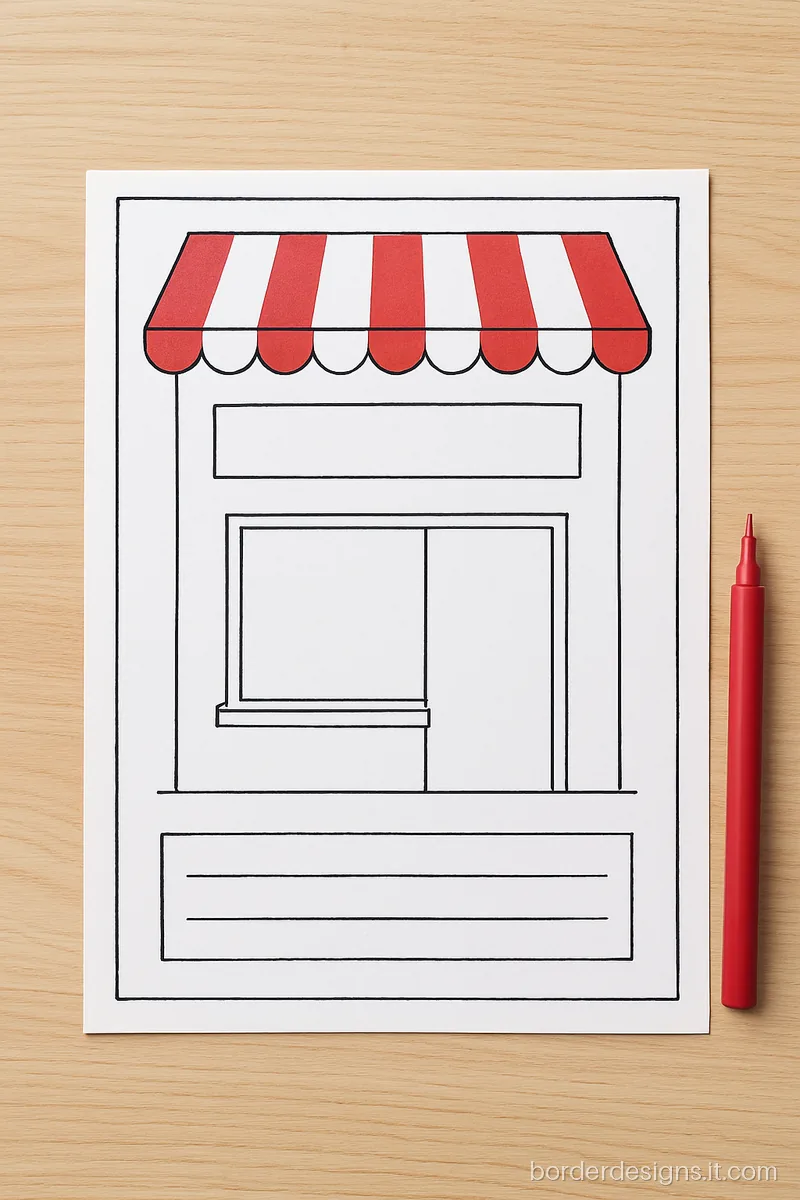
Striped shop awning
Red sketch pen, black pen
- SkillEasy, class 9 plus
- Time40 minutes
A striped awning across the top makes the whole sheet look like a shop front, which suits marketing, consumer protection and small business topics.
How to draw it: 4 steps
- Make the awning a strip 4 cm deep whose lower edge is scalloped.
- Rule stripes 1.5 cm wide and colour every other one red.
- Put the title box just under the awning, centred.
- Keep the sides plain so the awning stays the only colour.
02Economics Project Cover Page Ideas
Economics is about demand, supply and how markets move. A pair of curves or a set of scales says that without a single word.

Demand and supply curves
Blue and red fineliners, ruler
- SkillEasy, class 11 plus
- Time40 minutes
Two curves meeting on plain axes is the most recognised picture in economics. This economics front page design suits class 11 and 12 projects on markets or price.
How to draw it: 4 steps
- Rule two axes 8 cm long in the centre, joined at the lower left.
- Draw the falling curve in blue and the rising one in red.
- Mark the meeting point with a small filled circle.
- Leave the axes without any marks; the shape alone is enough.

Paper coin stacks, scale
Gold paper, glue stick, compass
- SkillMedium, class 9 plus
- Time1 hour
Gold paper circles stacked at different heights next to a cut paper balance scale give a tactile cover. It is a handmade economics project front page design for class 9 to 12.
How to draw it: 4 steps
- Cut about 20 gold circles of 2 cm with a paper punch or compass.
- Glue them in three stacks of different heights, overlapping slightly.
- Cut the scale from brown paper and set it to the right.
- Liquid glue wrinkles foil paper; a thin glue stick keeps the gold flat.
03Accountancy Project Cover Page and Accounts Front Page Design
Accounts covers look best when they echo a ledger: ruled columns, neat boxes and a sober colour. Both of these suit the class 12 accountancy project.
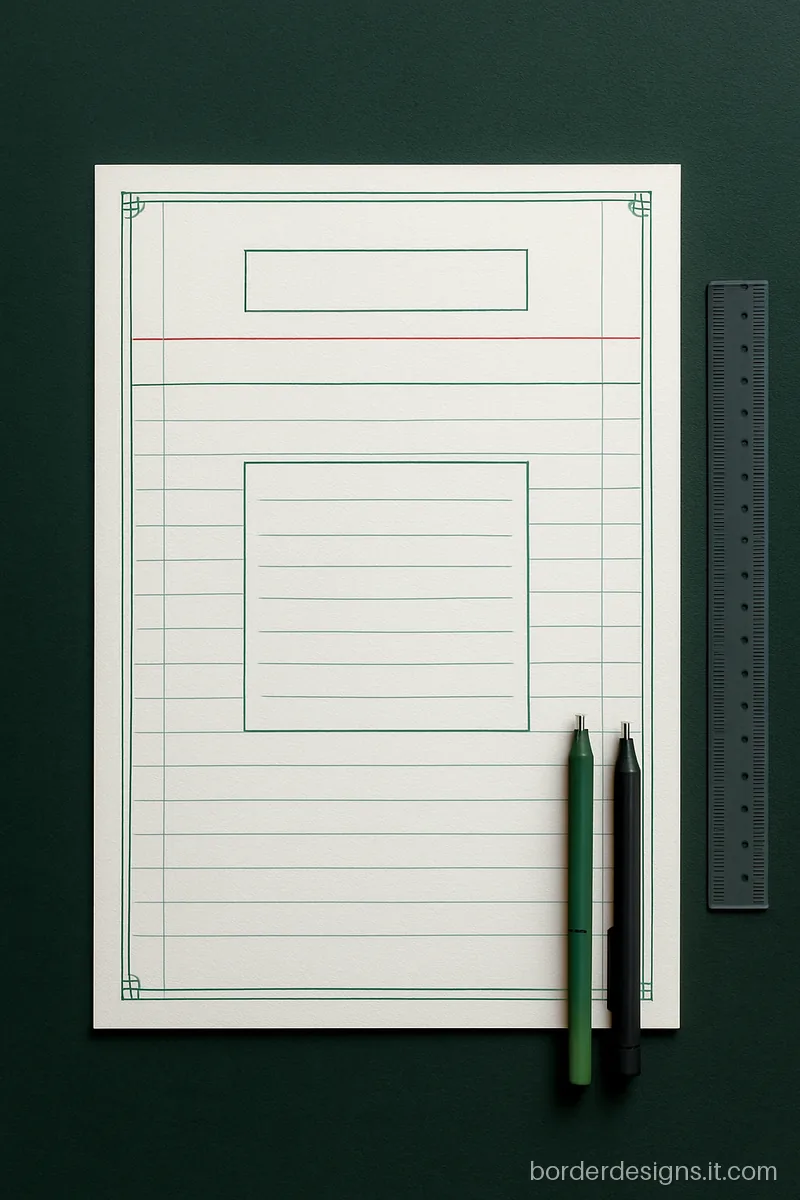
Ledger column sides
Green and black fineliners
- SkillEasy, class 11 plus
- Time35 minutes
Faint green ledger columns down the sides frame a central details panel, so the cover itself looks like a neat account book. Suits a class 12 accountancy project file.
How to draw it: 4 steps
- Rule four thin green columns 6 mm apart down each side.
- Add one red line across the top like a ledger heading.
- Keep the centre panel 12 cm wide for the title and details.
- Ink all lines with a ruler; freehand lines spoil the ledger look.
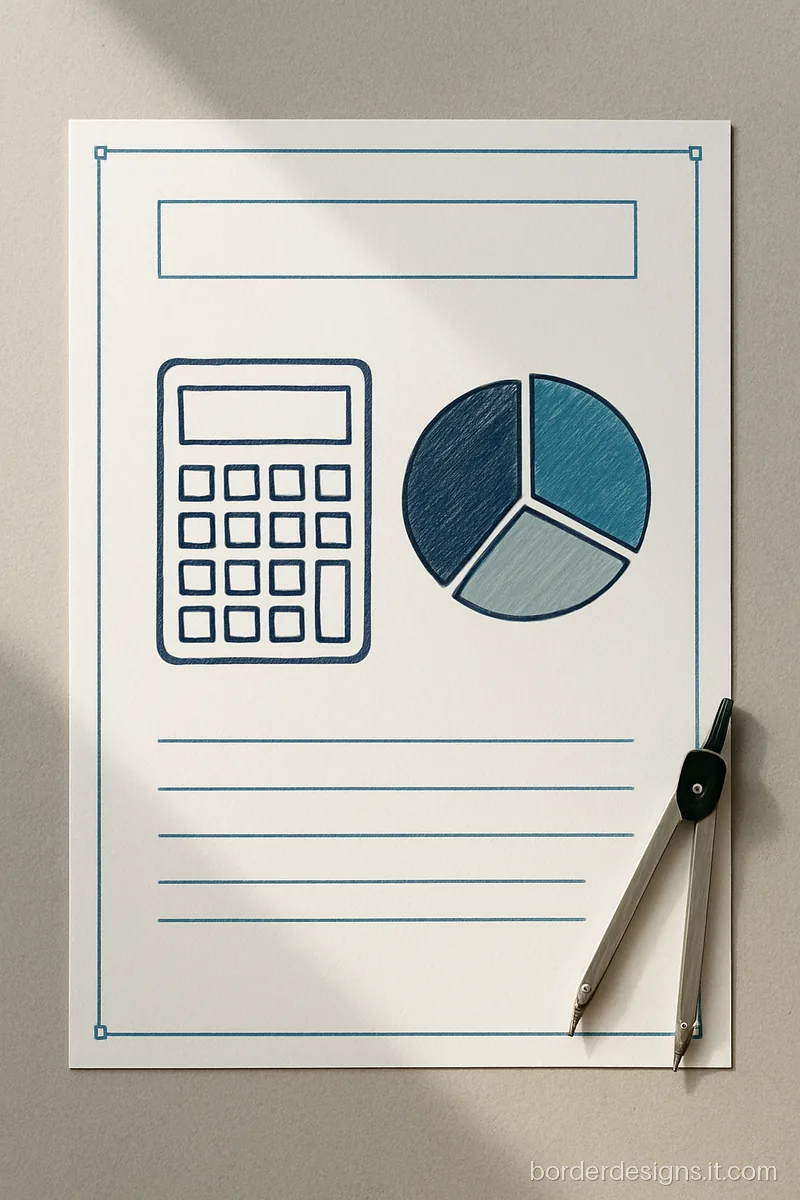
Calculator and pie chart
Teal and navy sketch pens
- SkillMedium, class 10 plus
- Time50 minutes
A calculator with plain keys beside a three part pie chart gives an accounts front page design that reads at once. Navy, teal and grey keep it businesslike.
How to draw it: 4 steps
- Draw the calculator 6 by 9 cm with a 4 by 4 grid of blank keys.
- Use a compass for the pie chart, radius 3 cm, split into three parts.
- Colour the pie in navy, teal and light grey.
- Place a thin teal frame with small squares at the corners.
04Commerce Front Page Design and Business Law Covers
A commerce project cover page design can cover trade, banking or law. Keep the motif formal and let the border do the framing.
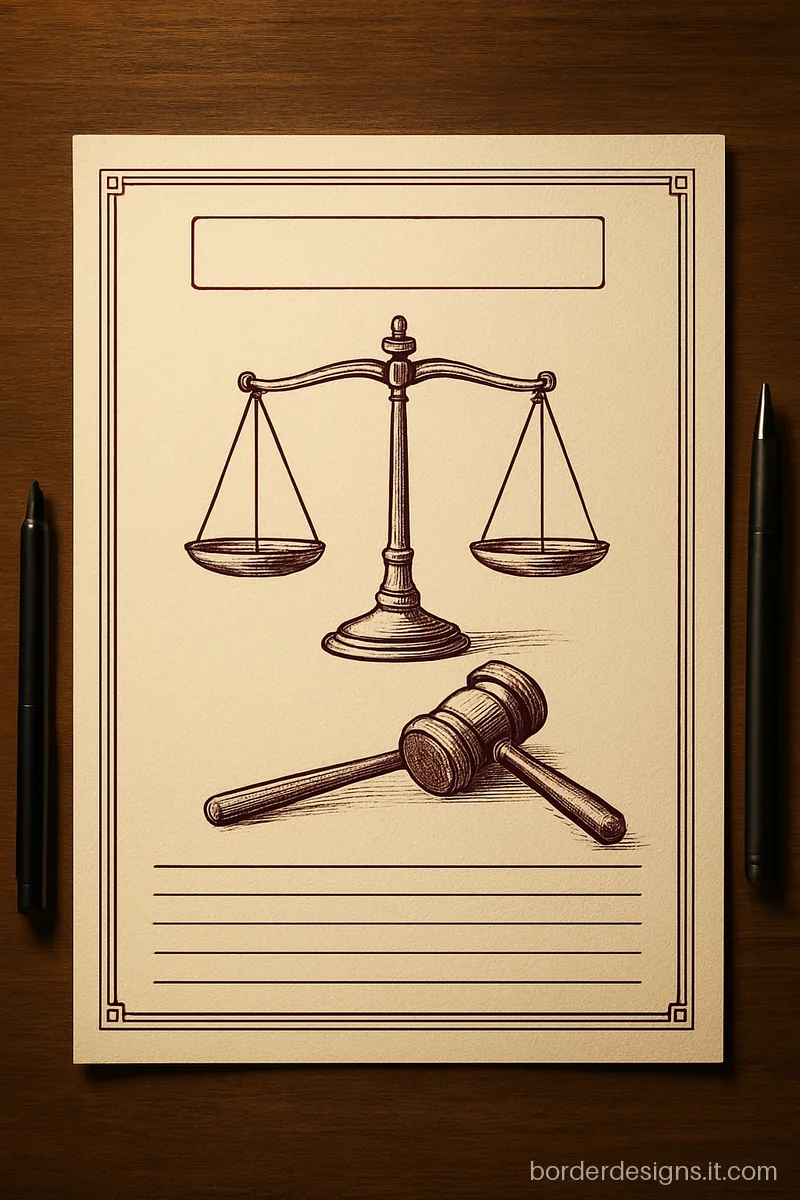
Scale, gavel, double frame
Maroon and black fineliners
- SkillMedium, college level
- Time45 minutes
A balance scale and a gavel inside a maroon double frame give a law cover the right serious tone. It suits business law assignments in college as well as class 12 projects.
How to draw it: 4 steps
- Rule the double frame 1.2 cm and 1.6 cm from the edge in maroon.
- Draw the scale 6 cm tall with two equal pans hanging level.
- Lay the gavel diagonally below it, about 5 cm long.
- Add college details: course, semester and registration number lines.

Cargo ship, wave base
Sketch pens, black fineliner
- SkillMedium, class 9 plus
- Time1 hour
A cargo ship carrying coloured containers over a wave border at the bottom shows trade at a glance. Good for a commerce project on imports, exports or transport.
How to draw it: 4 steps
- Draw the ship hull 12 cm long across the lower middle.
- Stack 8 small containers in red, blue and yellow on deck.
- Run a two row wave border 3 cm tall along the bottom edge.
- Keep the top half white for the title box only.
What Goes on a Business Studies Project Cover Page
| Part | What to write | Where |
|---|---|---|
| Title | Project topic, for example a study of marketing mix of a product | Top band |
| Subject | Business studies, economics or accountancy | Under the title |
| Picture | One motif: chart, scale, ledger, ship | Middle third |
| Student details | Your name, class, section, roll number and the session | Details box |
| Teacher and school | Submitted to, submitted by, school name | Bottom lines |
B.Com and BBA students usually add three more lines: programme and semester, registration or enrolment ID, and the faculty guide. If your board or college gives a fixed format, follow that exactly; the design only frames it.
Making a Commerce Cover in Six Steps
- Rule the frame first, 1.2 cm from each edge, with a single or double line.
- Divide the inside into three bands: top quarter for the title, middle half for the picture, bottom quarter for details.
- Draw the motif in pencil, centred in the middle band.
- Rule the details box with 6 lines about 1 cm apart.
- Ink everything with a fine black pen and let it dry.
- Add colour to the motif only, keeping to navy, maroon, green or teal with one accent.
Dark, cool colours read as formal. Bright pinks and yellows suit junior projects better than commerce files.
Small Details Commerce Teachers Notice
- Straight details lines. Use a ruler for every line of the details box.
- No currency symbols as decoration. A plain coin or chart is safer and looks less cluttered.
- Matching inside pages. Repeat the frame on the certificate, acknowledgement and index pages. See project file decoration for dividers.
- Neat title writing. Pencil it first, check spacing, then ink. Capital letters about 1 cm tall look right on A4.
For the general three part layout that works for every subject, see the front page design guide.
Questions students ask
How do I make a business studies project cover page for class 12?
Rule a thin frame, keep the top for the title, draw one motif such as a rising bar chart in the middle and add a ruled details box at the bottom. Navy and gold or maroon and black look formal.
What picture should I draw on an economics project cover page?
Demand and supply curves, a balance scale or stacks of coins. One picture is plenty; more than that pulls the eye away from the title.
What is a good accountancy project cover page design?
A ledger style cover with thin green columns down the sides and a central details panel, or a calculator with blank keys and a pie chart.
Can I make a handmade economics project front page?
Yes. Cut gold paper circles for coins and a brown paper scale, then glue them on with a glue stick. It looks rich and takes about an hour.
What colours suit a commerce front page design?
Navy, maroon, dark green and teal with one accent such as gold or red. Avoid using more than three colours on a commerce cover.